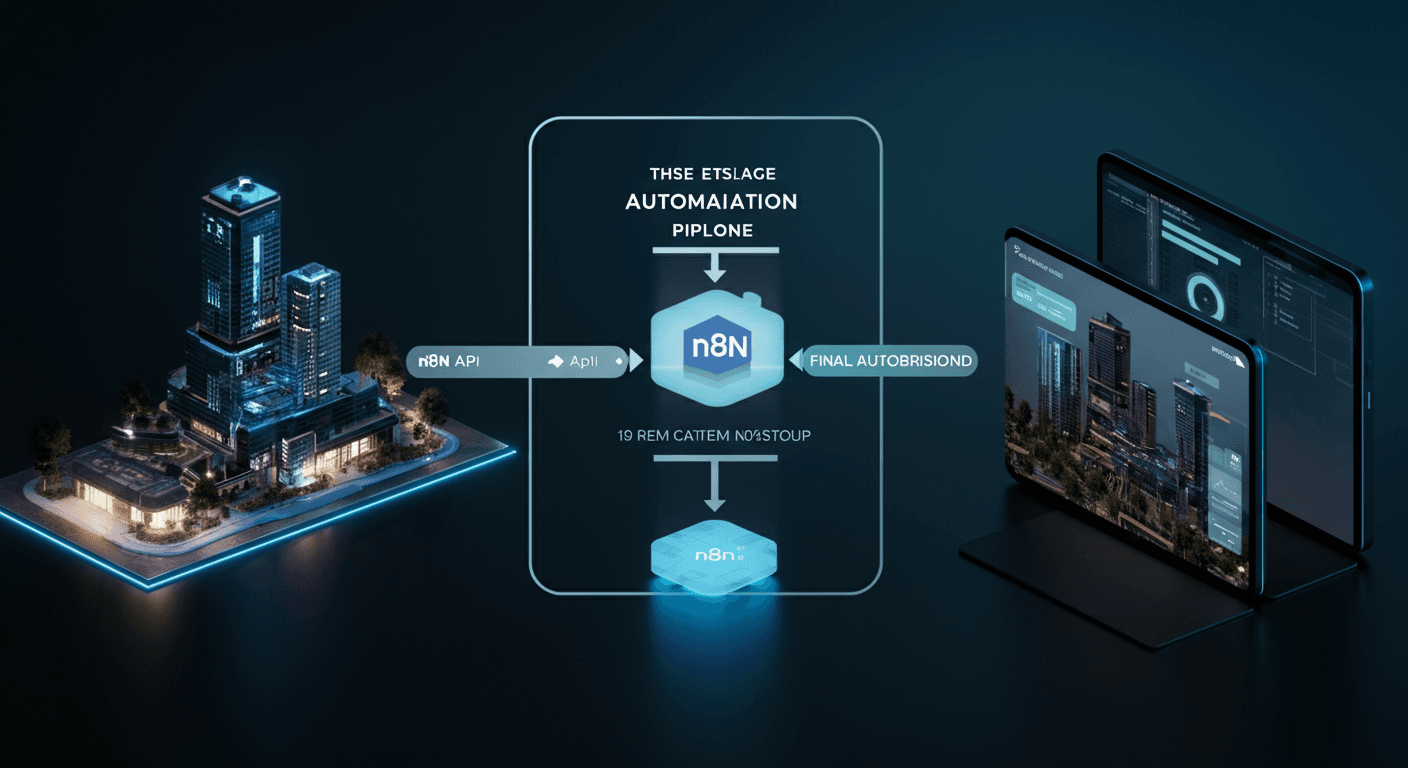
Building an Automated Sentiment Analysis-Based Trading Bot Using NewsAPI and Alpaca API: Implementing Real-time News Sentiment Analysis and Automated Trading Strategies
The stock market reacts sensitively to news. This article details how to build a trading bot that collects real-time news using NewsAPI, identifies market sentiment through sentiment analysis, and automatically trades via Alpaca API. This automated system saves time spent on stock market analysis and trading, enabling objective investment decisions free from emotional influence.
1. The Challenge / Context
One of the reasons individual investors find it difficult to succeed in the stock market is the challenge of quickly analyzing and utilizing the flood of real-time news information. Furthermore, emotional judgments due to market volatility often lead to irrational investment decisions. It is almost impossible to individually check and reflect countless economic news, corporate articles, and expert analyses in investments. There is a significant need to build an automated system to solve this information overload problem and make objective, data-driven investment decisions.
2. Deep Dive: NewsAPI and Sentiment Analysis
NewsAPI is an API that provides news data from major media outlets worldwide. It allows for efficient collection of desired news data through various filtering options (keywords, language, source, etc.). Paid plans also offer access to historical news data, which can be used for backtesting. Sentiment analysis is a technique for identifying the emotion (positive, negative, neutral) contained within text data. It uses natural language processing (NLP) technology to analyze the text of news articles and quantify the impact each article has on market sentiment. Sentiment analysis is typically performed using Python libraries such as NLTK, TextBlob, and VaderSentiment. VaderSentiment includes a lexicon specialized for financial news, providing high accuracy.
3. Step-by-Step Guide / Implementation
The process of building an automated sentiment analysis-based trading bot can be broadly divided into four stages: news data collection, sentiment analysis, trading strategy implementation, and automated trade execution. Let's examine each stage in detail.
Step 1: Collecting News Data Using NewsAPI
First, you need to create a NewsAPI account and obtain an API key. You can use Python's requests library to send requests to NewsAPI and receive the desired news data in JSON format. Below is an example code for fetching the latest news articles for a specific keyword.
import requests
import json

API_KEY = "YOUR_NEWSAPI_KEY"
KEYWORD = "Tesla" # 관심있는 주식 종목과 관련된 키워드를 설정합니다.

url = f"https://newsapi.org/v2/everything?q={KEYWORD}&apiKey={API_KEY}"

response = requests.get(url)
data = json.loads(response.text)

if data["status"] == "ok":
    articles = data["articles"]
    for article in articles:
        print(f"Title: {article['title']}")
        print(f"Description: {article['description']}")
        print(f"URL: {article['url']}")
        print("-" * 20)
else:
    print(f"Error: {data['message']}")
In the code above, you need to replace YOUR_NEWSAPI_KEY with your issued API key and set KEYWORD to a keyword related to the stock you are interested in. This code prints the title, description, and URL of the news articles.
Step 2: Calculating Sentiment Scores Using a Sentiment Analysis Library
Analyze the sentiment of the collected news article titles or content to calculate positive/negative scores. It is common to use the VaderSentiment library. The following is an example code for calculating sentiment scores using VaderSentiment.
from vaderSentiment.vaderSentiment import SentimentIntensityAnalyzer

analyzer = SentimentIntensityAnalyzer()

def get_sentiment_score(text):
    vs = analyzer.polarity_scores(text)
    return vs['compound']

# 뉴스 기사 예시
news_article = "Tesla stock soars after positive earnings report."

# 감성 점수 계산
sentiment_score = get_sentiment_score(news_article)
print(f"Sentiment Score: {sentiment_score}")
The get_sentiment_score function returns a sentiment score for the input text. A higher score indicates a more positive sentiment, while a lower score indicates a more negative sentiment. You can determine your trading strategy based on this score.
Step 3: Implementing Automated Trading Strategies Using Alpaca API
Alpaca API is an API that supports programmatic stock trading. You need to create an Alpaca account and obtain API keys. For example, you can implement a strategy that executes a buy order if the sentiment score exceeds a certain threshold, and a sell order if it falls below a certain threshold. The following is an example code for executing a buy order using the Alpaca API.
import alpaca_trade_api as tradeapi

API_KEY = "YOUR_ALPACA_API_KEY"
SECRET_KEY = "YOUR_ALPACA_SECRET_KEY"
SYMBOL = "TSLA" # 거래할 주식 종목 티커

api = tradeapi.REST(API_KEY, SECRET_KEY, 'https://paper-api.alpaca.markets') # Paper Trading 환경 설정

def execute_trade(symbol, quantity, side):
    try:
        api.submit_order(
            symbol=symbol,
            qty=quantity,
            side=side,
            type='market',
            time_in_force='gtc'
        )
        print(f"Market order submitted for {quantity} shares of {symbol} on {side} side.")
    except Exception as e:
        print(f"An error occurred: {e}")

# 매수 주문 예시 (감성 점수가 0.5 이상일 때)
sentiment_score = 0.6
if sentiment_score > 0.5:
    execute_trade(SYMBOL, 1, 'buy')  # TSLA 1주 매수
In the code above, you need to replace YOUR_ALPACA_API_KEY and YOUR_ALPACA_SECRET_KEY with your issued API key and secret key. SYMBOL represents the stock ticker to be traded. The code above shows an example of buying 1 share of TSLA when the sentiment score is 0.5 or higher. It is crucial to thoroughly test in a Paper Trading environment before engaging in actual trading.
Step 4: Integrating the Entire System and Automated Execution
Integrate the news data collection, sentiment analysis, and trading strategy implementation codes described above into a single script, and set it to run periodically using a scheduler. For example, you can set it to collect the latest news, perform sentiment analysis, and make trading decisions every 15 minutes. You can implement automated execution using the schedule library.
import schedule
import time

def run_bot():
    # 뉴스 데이터 수집, 감성 분석, 거래 전략 실행 코드 (앞서 설명한 코드들을 통합)
    print("Running bot...")

schedule.every(15).minutes.do(run_bot)

while True:
    schedule.run_pending()
    time.sleep(1)
The code above schedules the run_bot function to run every 15 minutes. By integrating the news data collection, sentiment analysis, and trading strategy execution codes described earlier within the run_bot function, an automated trading bot is completed.
4. Real-world Use Case / Example
I personally built this trading bot to automatically manage a portfolio operating with a small capital. Previously, I spent 2-3 hours a day reading news articles and analyzing companies, but after building this bot, checking the bot's operational status once or twice a week is sufficient. In particular, by setting keywords for specific industry sectors (e.g., electric vehicles) and configuring the bot to react intensively to news in those sectors, I was able to respond more quickly to market changes. Additionally, through backtesting, I experimented with various sentiment analysis thresholds and trading strategies to find optimal settings.
5. Pros & Cons / Critical Analysis
- Pros:
- Time Savings: Significantly reduces the time spent on news analysis and trading decisions.
- Objective Investment Decisions: Eliminates emotional judgment and enables objective, data-driven investment decisions.
- 24/7 Automated Trading: Can perform trades automatically 24 hours a day while the market is open.
- Diverse Strategy Application: Can expand trading strategies by utilizing various technical indicators in addition to sentiment analysis.
- Cons:
- Dependency on Data Quality: Analysis results may vary depending on the data quality of NewsAPI. Trades based on inaccurate or biased news articles can lead to losses.
- Limitations of Sentiment Analysis: Sentiment analysis struggles to perfectly grasp the nuances of text. In particular, sarcastic or metaphorical expressions may not be analyzed correctly.
- Risk of Over-optimization: Strategies excessively optimized for historical data may not perform well in real market conditions.
- Legal/Regulatory Considerations: Automated trading systems must comply with relevant laws and regulations.
- API Usage Fees: NewsAPI and Alpaca API may incur charges based on usage.
6. FAQ
- Q: Can I use other news data APIs besides NewsAPI?
A: Yes, you can use various news data APIs such asGNews API,FinnHub API, andBloomberg API. You can compare the features and pricing policies of each API to choose the one that suits you best. - Q: How can I improve the accuracy of sentiment analysis?
A: In addition toVaderSentiment, you can use ensemble techniques by combining various sentiment analysis libraries likeTextBlobandNLTK, and determining the final score from their combined results. You can also tune the sentiment analysis model by adding specialized lexicons for specific industry sectors. - Q: What should I be aware of when transitioning from a Paper Trading environment to a live trading environment?
A: There can be slight differences between a Paper Trading environment and a live trading environment. In particular, slippage and transaction fees may be more significant in a live trading environment. Therefore, it is crucial to perform small-scale test trades to confirm system stability before transitioning to a live trading environment. - Q: How can I continuously monitor and improve the performance of an automated trading bot?
A: You should periodically analyze the bot's trading records and track metrics such as profitability, loss rate, and win rate. Additionally, efforts are needed to adjust trading strategies according to changing market conditions, add new technical indicators, or improve the sentiment analysis model.
7. Conclusion
An automated sentiment analysis-based trading bot leveraging NewsAPI and Alpaca API is a powerful tool that helps individual investors save time and effort while making objective, data-driven investment decisions. However, no system is perfect, and challenges such as data quality, limitations of sentiment analysis, and the risk of over-optimization still exist. Based on the code and explanations provided in this article, we encourage you to build your own trading bot and strive to increase your investment success rate through continuous improvement. Check out the NewsAPI and Alpaca API documentation now and start coding!